
File Won't Play - Muséik Incomplete Load (3.2)Updated 3 months ago
Occasionally when Muséik opens the Stage Sync™ window and / or the video preview window will appear white or grey instead of jet black. This indicates an incomplete load of the program.
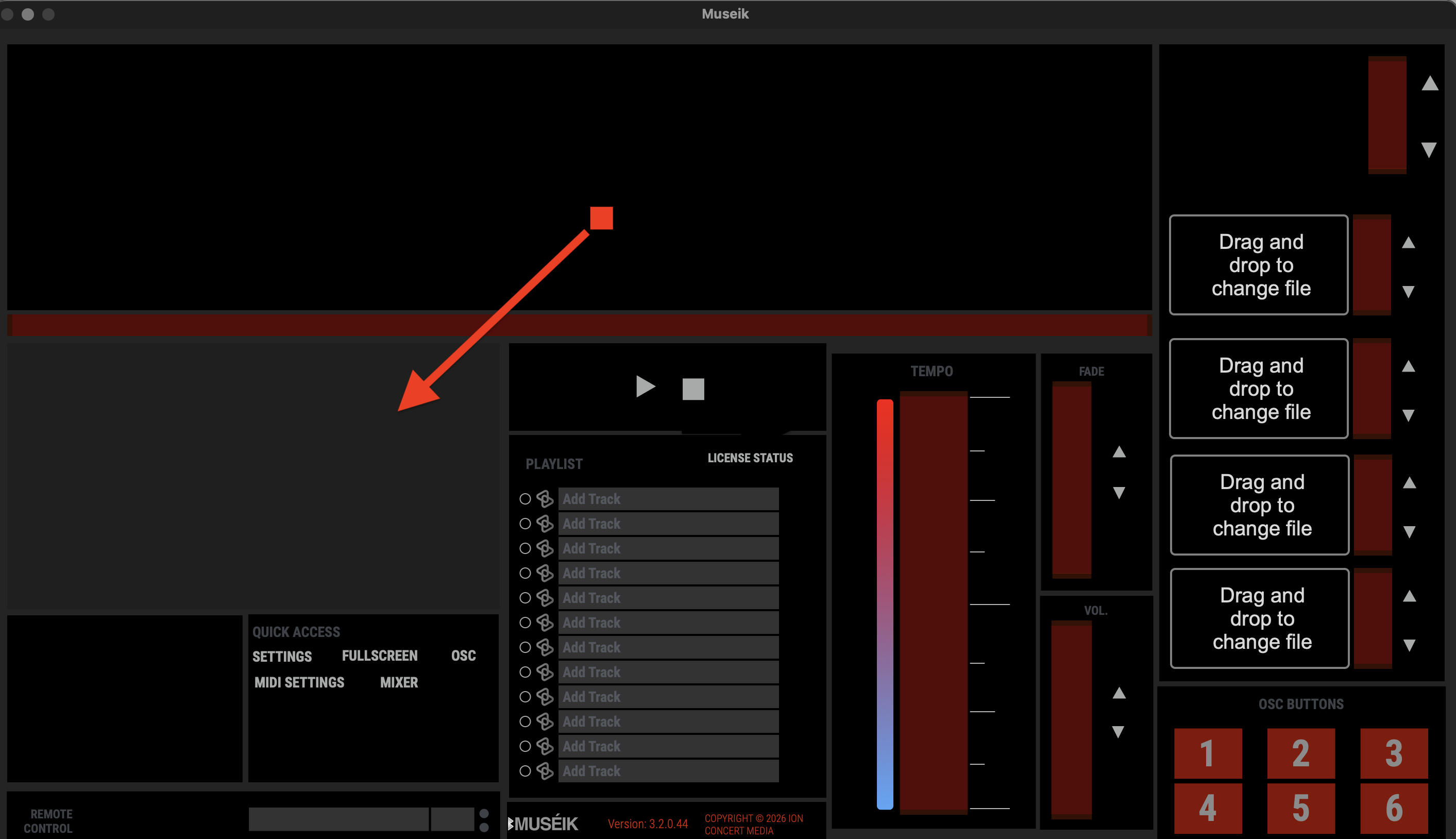
When this occurs the program will open, files will load, and secondary windows are accessible, but the program will not accept any commands. Common symptoms include not being able to play a file or not being able to make changes in the SETTINGS window.
To resolve the issue close Muséik and re-open it. It may take several tries. When the two windows appear in the same hue of black as the rest of the interface a complete load has been achieved and the program should be stable for the rest of your session.