
Downloading Your ProductsUpdated 3 months ago
All of our digital products are delivered as digital downloads.
After completing an order for a standard product on our site you can access your files in a few ways.
1. The system will send you a series of emails. One of these will have the subject line "Download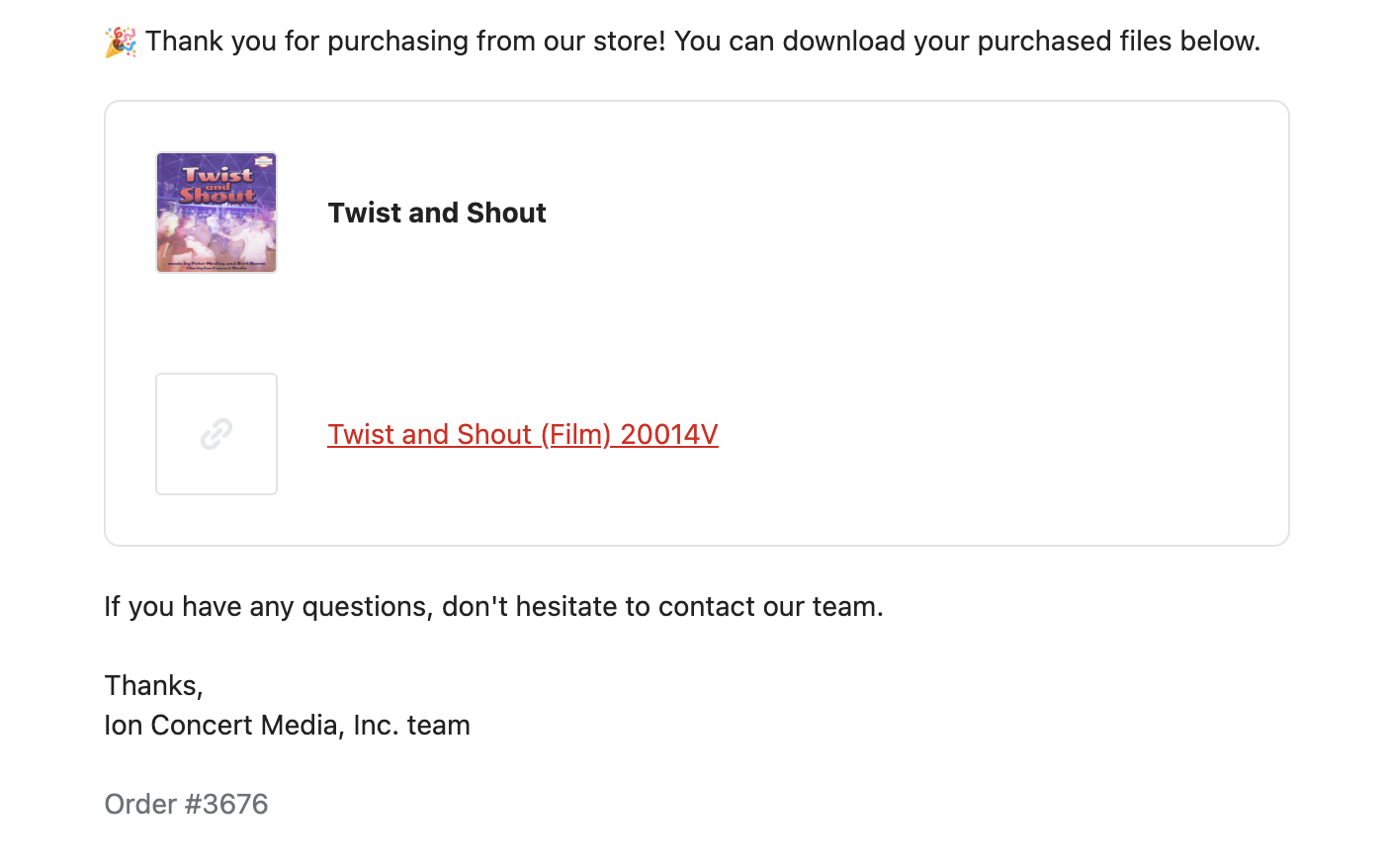 your purchased files". Open this email to find a link that will allow you to download your file(s).
2. You can go to your account page on the Ion website by clicking "Account" in the main menu. Once on your account page click "Orders" from the menu on the left. On the next page you will see all the orders you have placed at www.ionconcertmedia.com. Find the order with the product you wish to download and click on it. In the order details page you will see a section labelled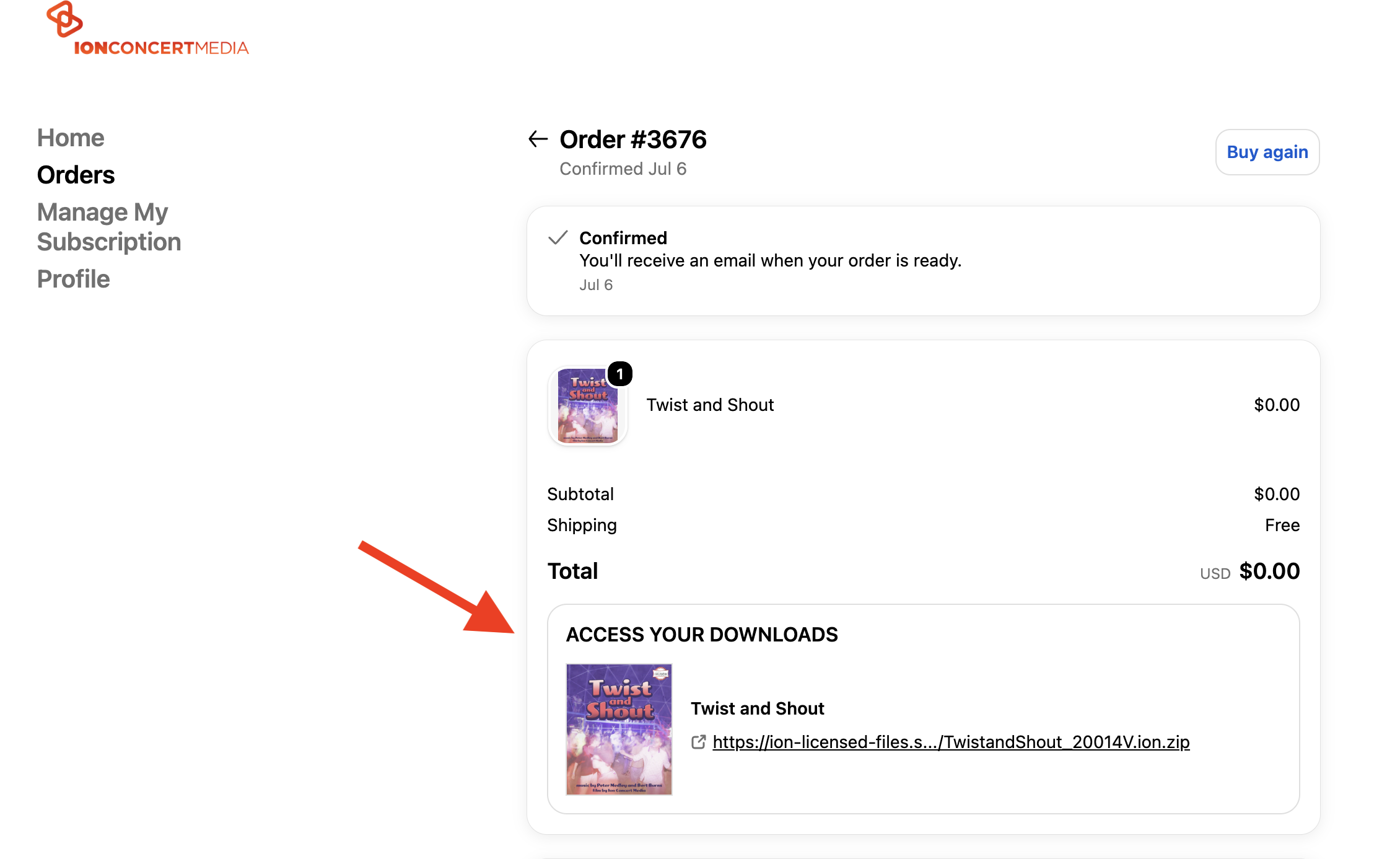 "ACCESS YOUR DOWNLOADS." There you will find hyperlinks to download all your digital products in the order.
3. If your order was for a Premium Product it will not be available for immediate download on our site. We will first create a custom time license for the file(s). Once this is complete we will send the download link(s) by email to the email address we have on file.