
Checking Your License StatusUpdated 3 months ago
To check the status of a file license, including how many days remain before the license expires,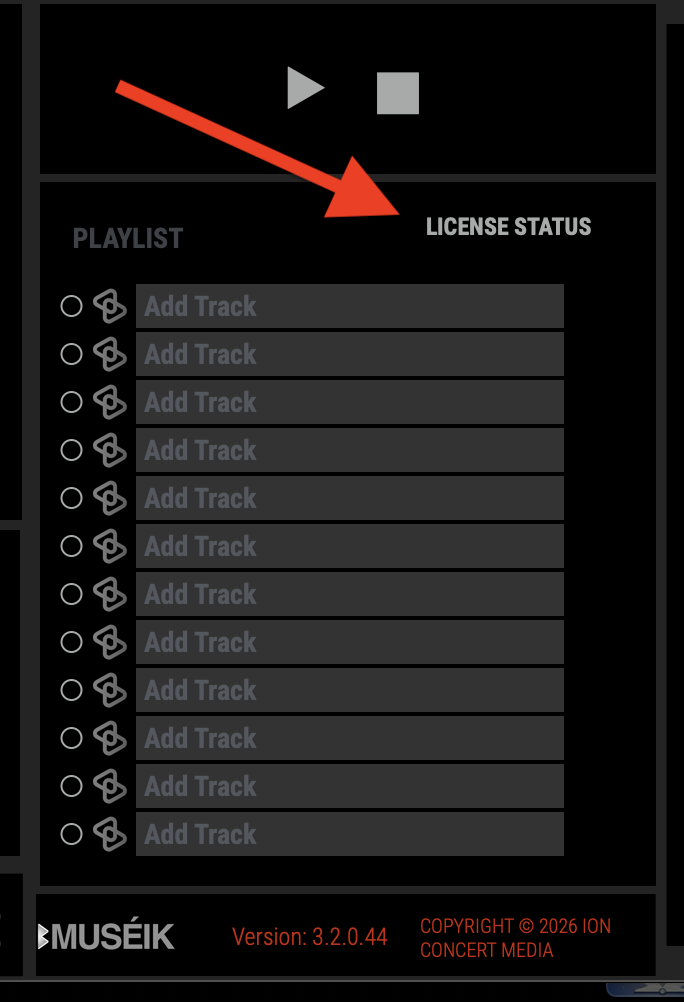 click on "LICENSE STATUS" in the middle section of the interface, just above the media bays. A new window will open giving details about the file's license. A file needs to be open to see its license details (click the playlist circle to engage the file). After the license expires the LICENSE STATUS indicator will turn red and you will not be able to open the file.